
How to find an event in your city
Find a specific event by name or browse the listings to see what is on nearby.
Where to find it in Gnezdo
Home → City → Search or browse
Choose your city
Open the city selector in the header and choose where you want to look. Check the city before searching if you recently browsed somewhere else.
Search or open a category
Enter an event name, organizer or topic such as “yoga”. If you do not have a specific event in mind, browse a category in the listings.
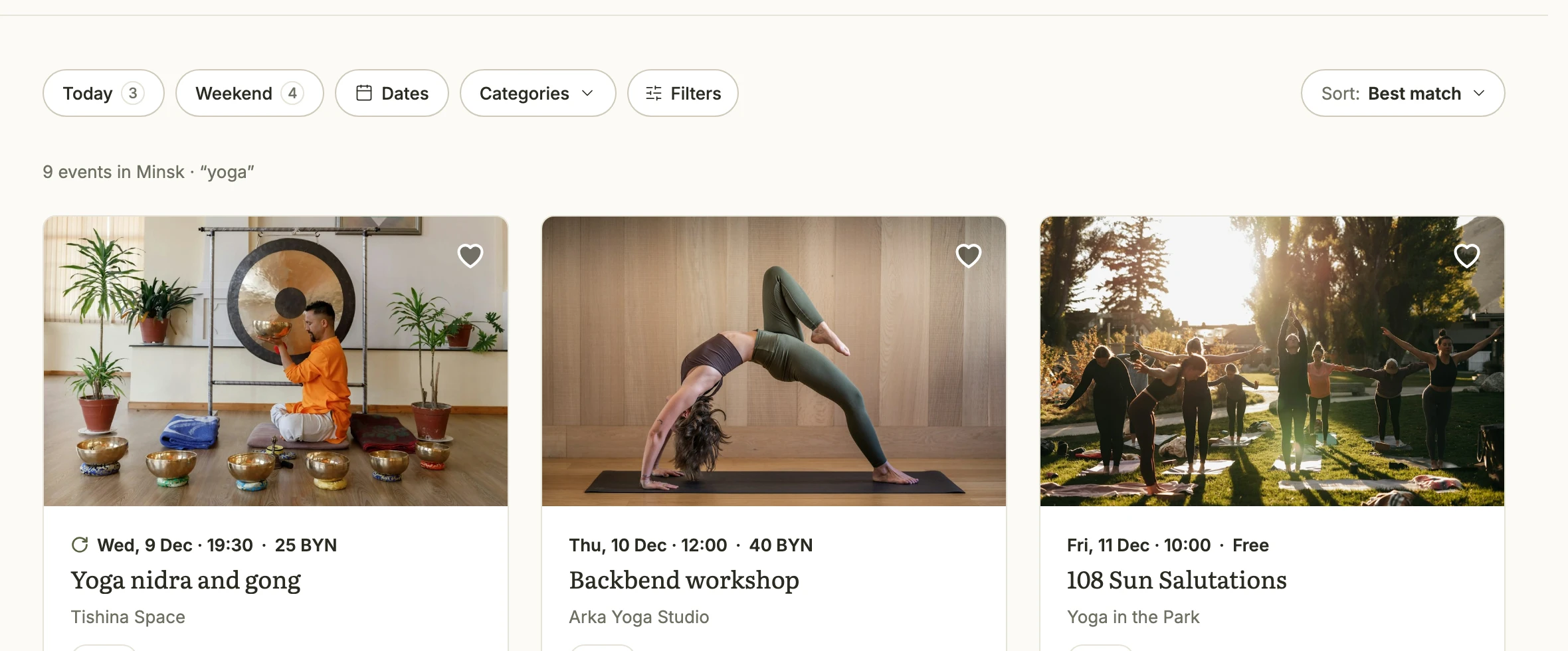
Search shows matching events in the selected city. Narrow your results
Choose dates if you are looking for today or the weekend, and filter by price if it matters. Search and category pages include regular classes by default. Check the filters if regular sessions are crowding the results.

If there are no results
Check the selected city, clear filters, widen the date range or try a broader search. Open an event page to confirm the schedule, venue and how to take part.
How to save an event and follow an organizer