Sign in and recover access
To open your bookings, follows or dashboard, sign in the same way you previously used on Gnezdo.
Where to find it in Gnezdo
Sign in → Choose a sign-in method
Use your usual sign-in method
Open Sign in. If you used the Gnezdo bot, select Sign in with Telegram and confirm sign-in. If you used Google, select Continue with Google and choose the same account. To sign in with email, enter your address and password.
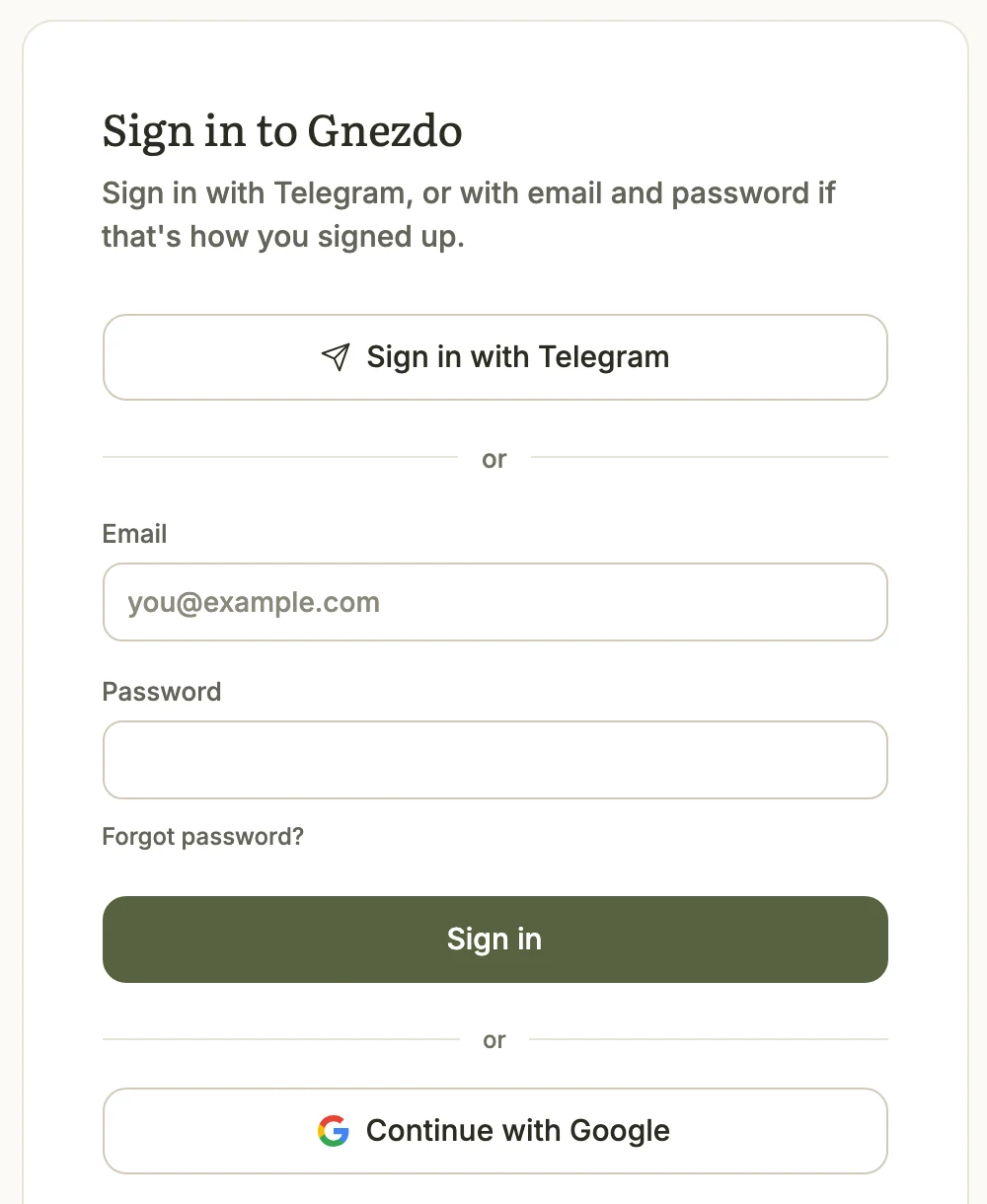
Choose Telegram, Google or email on the sign-in page. Reset your email password
On the sign-in page, select Forgot password? Enter the email address you used to register and select Send reset link. Open the email and set a new password. If it doesn’t arrive, check your address and spam folder.
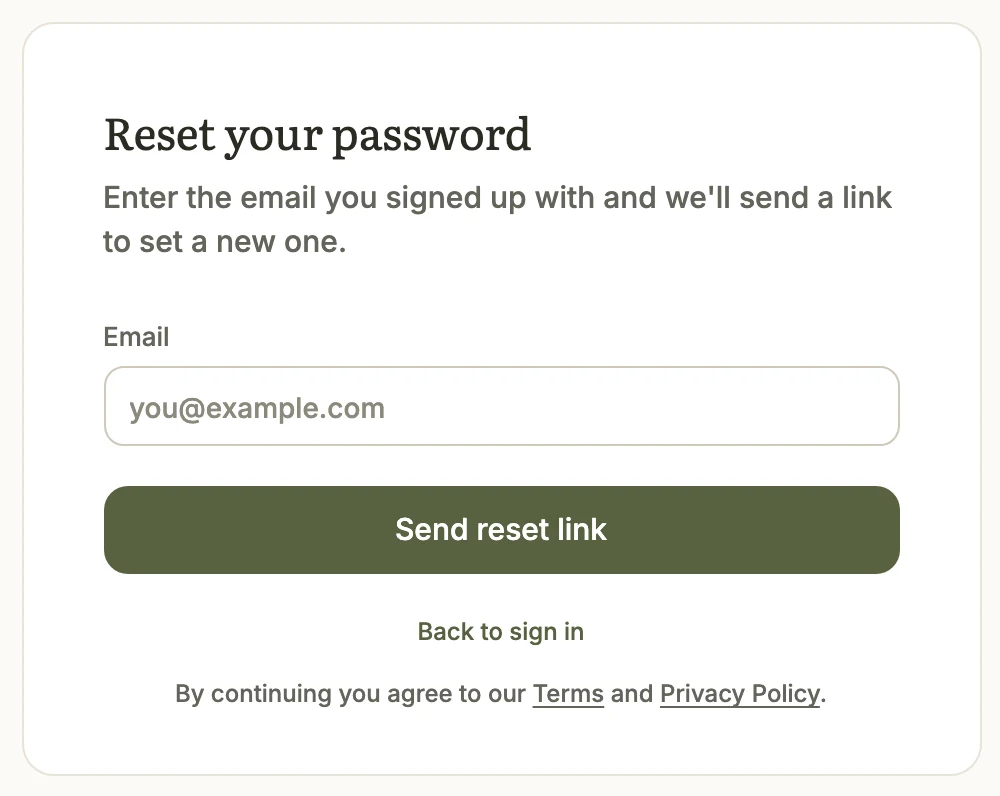
Enter the email address you used to register. Connect Telegram to your account
If you’re already signed in with email or Google, open Account and find Sign-in and settings. Choose to connect Telegram and confirm. You can then use Telegram to sign in to the same account.


If a different account opens
Sign out and try your original sign-in method. If Google says the email is already in use, sign in your usual way and connect Google in account settings. If you still can’t find your data, contact support.
How to get access to your page