How to check announcements from your accounts
Gnezdo looks for new announcements in your connected sources. Use the dashboard to check which accounts are connected and whether any new events were found.
Where to find it in Gnezdo
Dashboard → Page → Where we take your announcements from
Check the source
Select the relevant organizer page. Open Page and find the section that lists your announcement sources. If your Instagram or Telegram account is missing, add its link and follow the verification instructions.
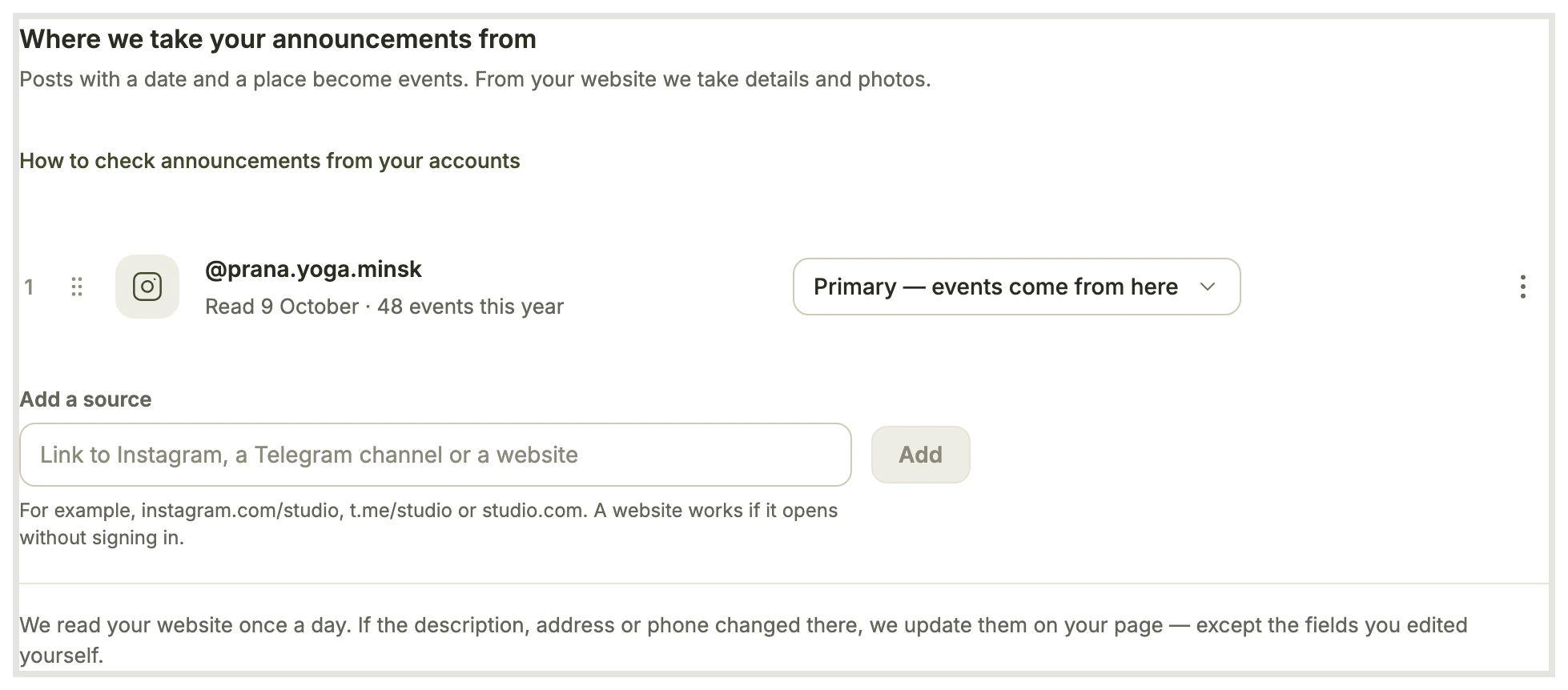
Your connected accounts are listed under Page. Refresh the list
Open Events and select Refresh now (Refresh on mobile) if the button is available. Gnezdo checks recent posts. Find the result under Events and in your Gnezdo notifications.

The Events panel shows when Gnezdo last checked the connected account. Check the result
Look in the Published and In review tabs. If the refresh button is temporarily unavailable, the dashboard tells you when you can try again.


If an announcement is missing
Check that the post is accessible and includes a date and start time. If the event needs to go live now, add it manually. Send support a link to the post if you want us to look into why it was missed.
How to add an event manually